A man page generator is one of those tools that I’ve said I would write for a long time, being displeased with most of the other options. For a while I used asciidoc, but was never fond of it. There are a few things I want to see in a man page generator:
- A syntax which is easy to read and write
- Small and with minimal dependencies
- Designed with man pages as a first-class target
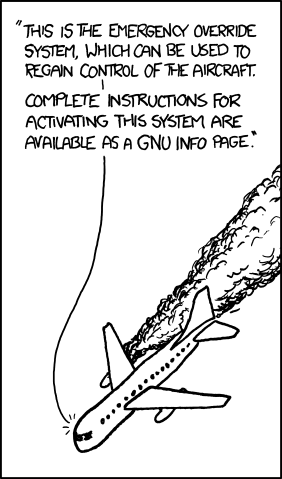
All of the existing tools failed some of these criteria. asciidoc hits #1, but fails #2 and #3 by being written in XSLT+Python and targetting man pages as a second-class citizen. mdocml fails #1 (it’s not much better than writing raw roff), and to a lesser extent also fails criteria #21. Another option, ronn meets criteria #1 and #3, but it’s written in Ruby and fails #2. All of these are fine for the niches they fill, but not what I’m looking for. And as for GNU info… ugh.
So, after tolerating less-than-optimal tools for too long, I eventually wrote the man page generator I’d been promising for years: scdoc. In a nutshell, scdoc is a man page generator that:
- Has an easy to read and write syntax. It’s inspired by Markdown, but importantly it’s not actually Markdown, because Markdown is designed for HTML and not man pages.
- Is less than 1,000 lines of POSIX.1 C99 code with no dependencies and weighs 78 KiB statically linked against musl libc.
- Only supports generating man pages. You can post-process the roff output if you want it converted to something else (e.g. html).
I recently migrated sway’s manual to scdoc after adding support for generating tables to it (a feature from asciidoc that the sway manual took advantage of). This change also removes a blocker to localizing man pages - something that would have been needlessly difficult to do with asciidoc. Of course, scdoc has full support for UTF-8.
My goal was to make a man page generator that had no more dependencies than man itself and would be a no-brainer for projects to use to make their manual more maintainable. Please give it a try!
-
mdocml is small and has minimal dependencies, but it has runtime dependencies - you need it installed to read the man pages it generates. This is Bad.
Back ↩︎